
Play the clip before you quit.
Hype Me saves the videos that get you moving — speeches, edits, messages to your future self — and plays one the second you hit your limit.
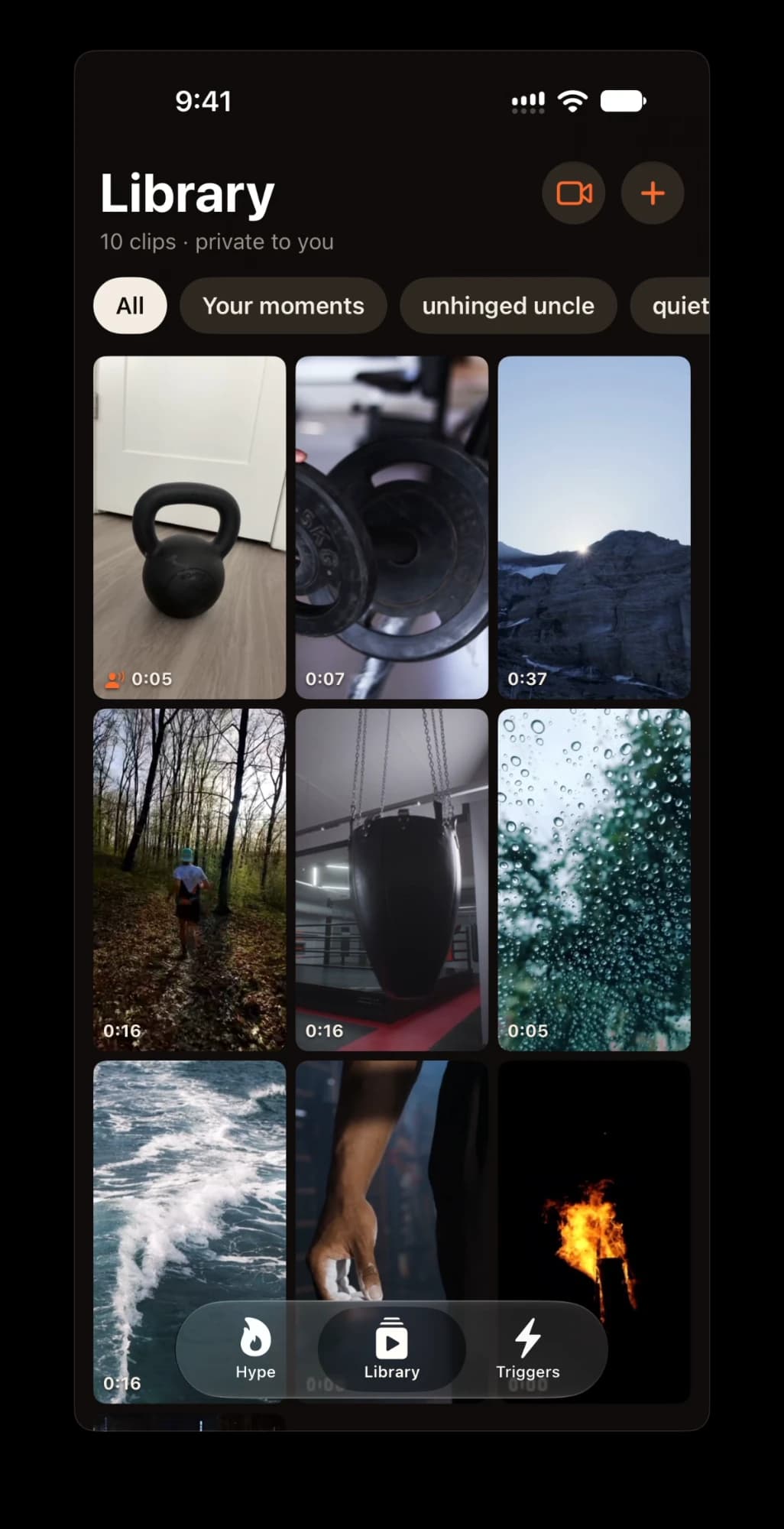
Build your hype library.
Add clips from your camera roll, trim to 90 seconds, tag each with a vibe.
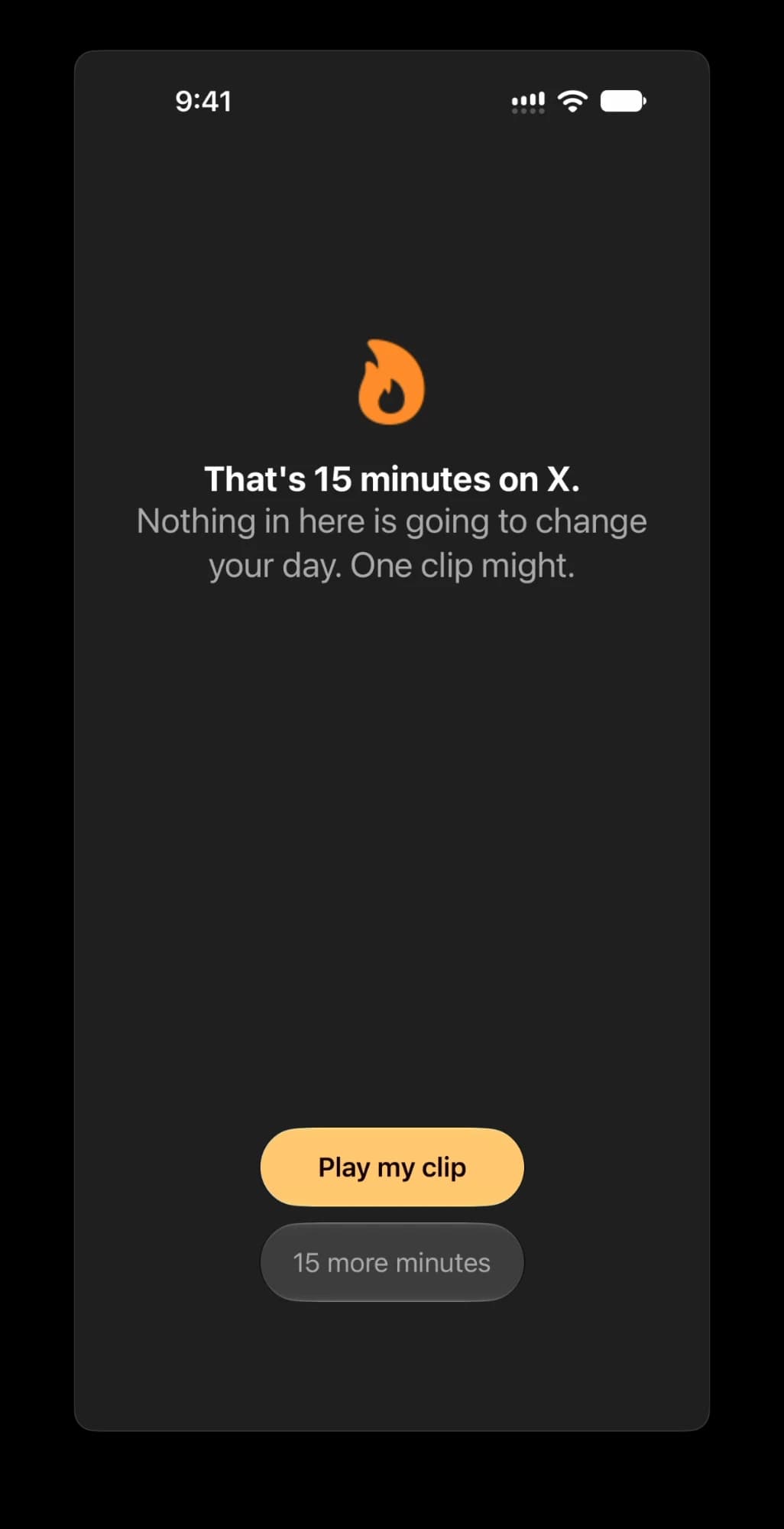
Pick the apps that eat your day.
Set a daily Screen Time limit. When you hit it, those apps get shielded.
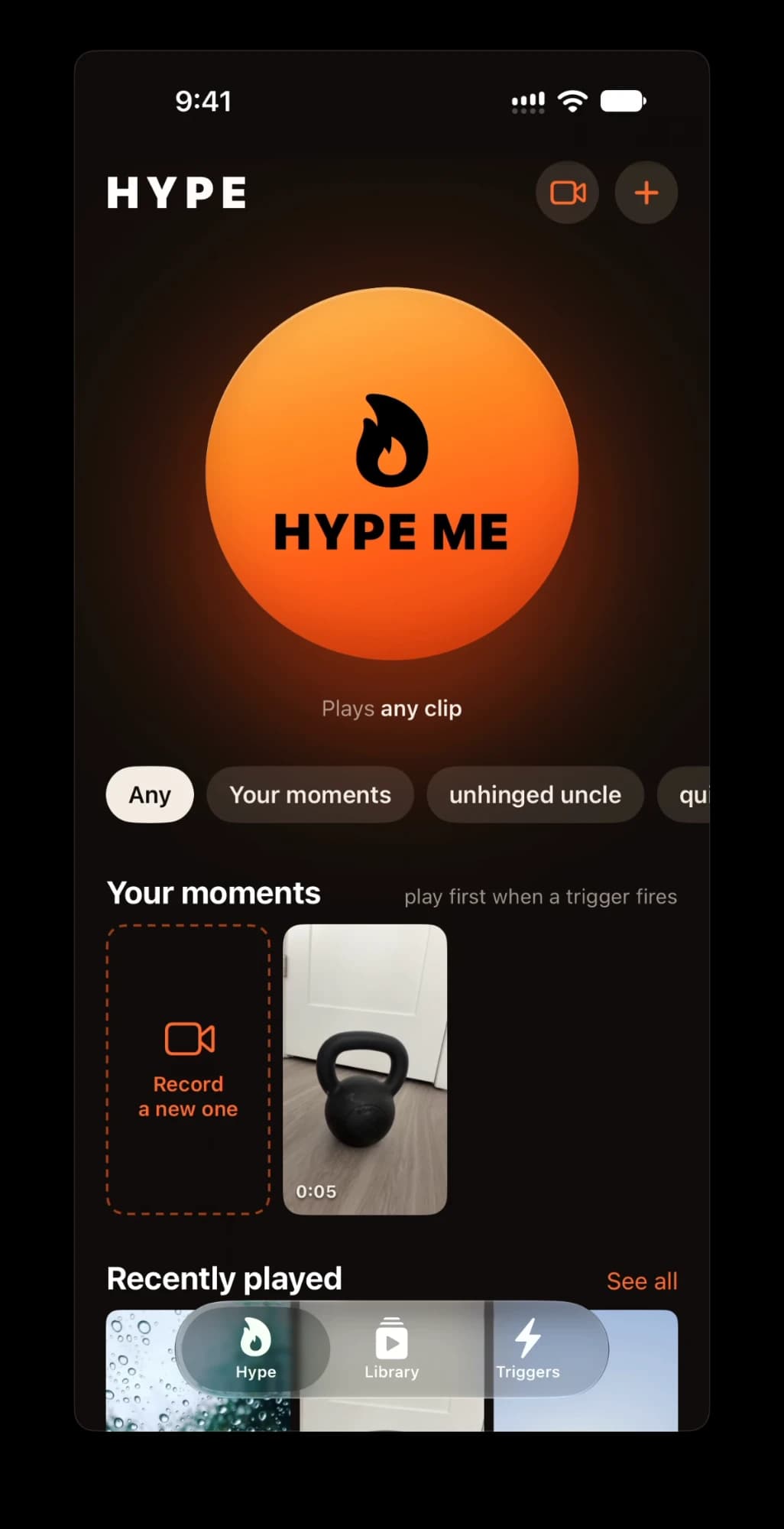
One tap. Your clip plays.
Instead of another scroll, you get the reason you started.
Discipline on demand.
Hype lives where your excuses do — the Home Screen, the Lock Screen, even the Action Button.
Record your moment
Film a message to future-you while the feeling is fresh. Your moments always play first.
Hype Me, anywhere
Widgets, Control Center, the Action Button or Siri. Works offline, plays instantly.
Watch to unlock
Want to raise your limit? Watch a couple of your clips first. Then decide.
After every workout
A Shortcuts automation prompts you to record the second your Apple Watch workout ends.
Private, always
Your clips stay in your account. The apps you limit never leave your iPhone.
Why does Hype Me need Screen Time access?
To shield the apps you choose once you hit your limit. Your picks and usage stay on your iPhone — Hype never sees them. Turn it off any time in Settings → Screen Time.
What is Hype Pro?
An optional monthly or yearly subscription: unlimited clips, unlimited moments, and control over which vibes your Screen Time trigger plays. Find it in the Triggers tab.
How do I cancel or restore Pro?
Apple manages it: Settings → Apple Account → Subscriptions. On a new iPhone, tap Restore on the Hype Pro screen.
How do I delete my account?
Triggers tab → Delete account, then confirm with Sign in with Apple. Everything is deleted right away. Cancel Pro separately in Settings. Data deletion details.